
 Important Note: For successful installation, you MUST have a stable WiFi connection when activating an eSIM.
|
|
(1) Check your device supports eSIM
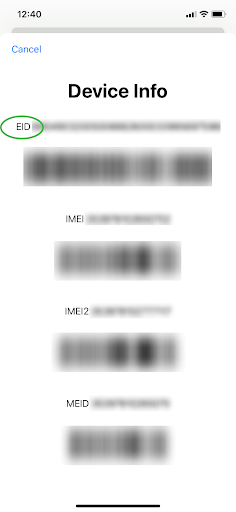
To learn if your Android device is eSIM-compatible, you will need to (a) check your device is carrier-unlocked and (b) check your device supports eSIM technology. For detailed instructions to check if your device is eSIM-compatible, read this article here.
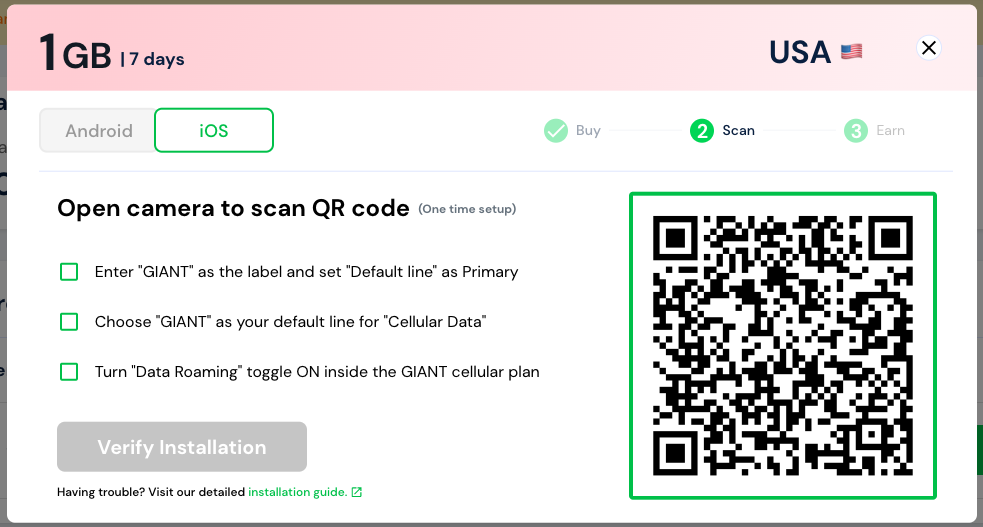
(2) Click Activate on your data plan on My Page
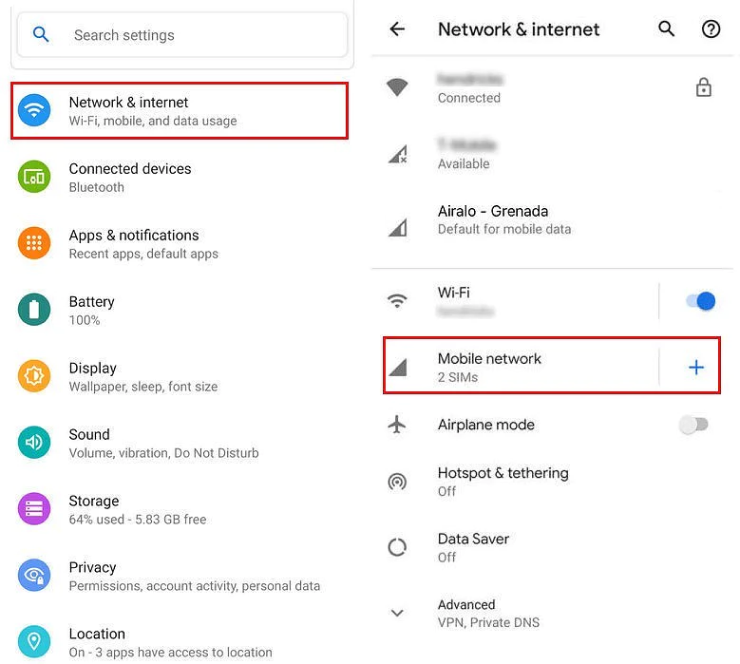
(3) Go to Settings on your device
(4) Tap on Network & Internet
(5) Tap the Add icon next to Mobile Network
(6) Tap Next when asked “Don’t have a SIM card?”
(7) You can now scan your QR code
(8) Go to Network & Internet and tap on Mobile Network to set the correct network preferences listed in the Additional Info which is at the bottom-right of the selected data package page.
(9) Turn on eSIM under Mobile Network
(10) Enable Mobile Data
(11) Enable Data Roaming
(12) Update the APN settings on your device. For detailed instructions read here. |


Comments
0 comments
Article is closed for comments.